Changelog

  1. Find Pocket Is Now Live!

    New Feature
    Improvement
    slipped-between-couch-cushions (7)

    Maclean here from Pocket. If you ever misplace your Pocket, Find Pocket can now help you get it back. It shows the last place your Pocket was on a map, gives you a live Bluetooth radar to walk you back to it when you're close, and can ping you the moment you leave it behind. Turn it on in Settings β†’ Find Pocket.

    We also gave the app a real dark theme across mobile, including the transcript editor, and added Japanese as a fully localized language.

    Here's some other highlights from these past two weeks:

    ✨ New

    • Find Pocket β€” map, live Bluetooth radar, and left-behind alerts
    • Dark theme on mobile, including the editor
    • Japanese localization
    • "Still recording?" check-in when Pocket picks up a long stretch of silence (Pocket Pro)
    • Native Mac meeting notifications that auto-stop the recording when your meeting ends
    • Participant names pulled in automatically from Zoom, Meet, and Teams on Mac
    • Faster, on-device live transcription for desktop recordings
    • Personalized Getting Started guide tailored to your role
    • Redesigned desktop search command menu, with an "Ask Pocket" tab that starts a chat from whatever you typed
    • Obsidian sync
    • Merge duplicate speakers, plus speaker names that stick across transcripts
    • Folder colors and an "Uncategorized" filter in the folder picker
    • Drag to reorder summary cards on desktop

    πŸš€ Improvements

    • Faster Zoom, Meet, and Teams in-call detection, so Auto Record kicks in sooner
    • Smoother Ask Pocket scrolling that stays pinned to the latest message
    • Ask Pocket history is now paginated and sorted by your most recent chat
    • Better multi-photo selection when attaching images to a chat
    • Copy Summary on desktop now keeps tables intact
    • Chat titles wait for the full response before generating
    • Lots of recording, sync, and performance fixes
  2. Ask Pocket Can Read Your Files Now

    New Feature
    Improvement
    your-notes-shouldn-t-live-in-one-app-rounded

    Maclean here from Pocket, Ask Pocket can now work with files. Drop in a PDF, image, CSV, text file, audio clip, or video, then ask Pocket to reason over it alongside your conversations. Try things like "what changed in this deck since the meeting?" or "turn this brief and the call into next steps."

    We also added a model picker in Ask Pocket. Everyone now starts on Thinking, the new default, and Pro users can switch to a stronger model when the question is messy or the stakes are high.

    Here's some other highlights from these past two weeks:

    ✨ New

    • Ask Pocket file attachments
    • Ask Pocket model picker
    • Google Drive sync
    • OneDrive sync
    • Upcoming meetings in the Mac tray
    • Transcript audio player
    • Search in the labels sheet
    • Liquid glass mobile tab bar
    • New recording tile on mobile
    • Organization admin controls, webhooks, user filters, and member tags

    πŸš€ Improvements

    • Better meeting detection on Mac for Meet, Zoom, Teams, Webex, Slack huddles, and browser meetings
    • Auto Record is faster and more reliable when a call starts
    • Ask Pocket attachment previews are smoother
    • Ask Pocket chat controls got a cleaner design
    • Visual cards got export and copy controls
    • Speaker management in transcripts is easier to use
    • Recording audio quality improved on desktop
    • Mobile sync now shows byte-level progress, speed, and ETA
    • Calendar sync and cancellation handling are more reliable
    • Merged recordings now respect your language
    • Daily Insights now respect your language
    • Lots of auth, subscription, onboarding, sync, export, and performance fixes
  3. Your Summaries Just Learned to Draw

    New Feature
    Improvement
    new-summaries-rounded

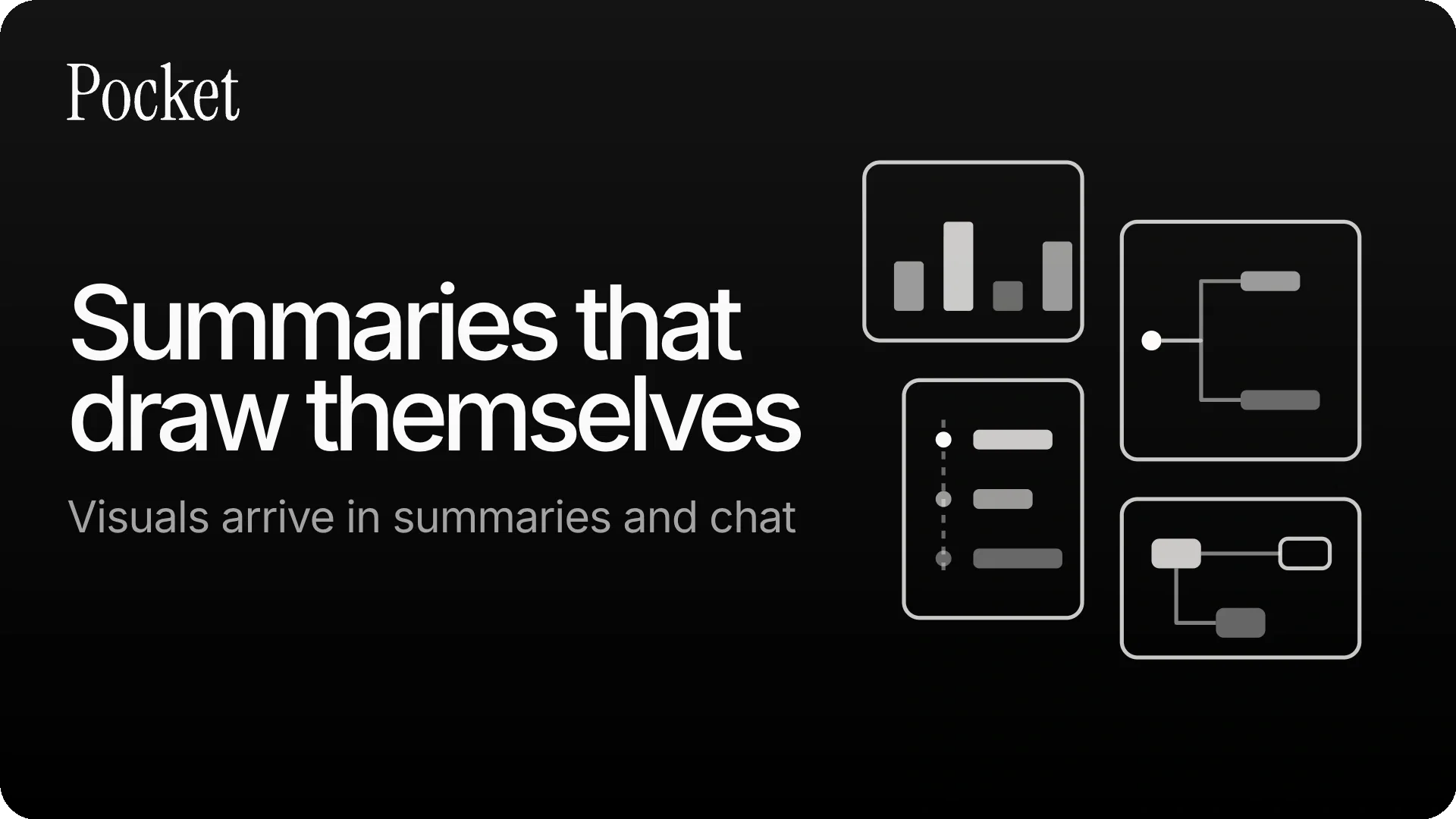
    Maclean here from Pocket, your summaries can now draw things. When a meeting has numbers, a sequence, a branching decision, or a process, Pocket puts a visual in the summary instead of describing it in text. It also works in Ask Pocket. Ask "what did we decide about pricing?" and you might get a decision tree back instead of paragraphs.

    Here's some other highlights from these past two weeks:

    ✨ New

    • New share link flow
    • Star/favorite summary templates
    • Remove entries mid-sync

    πŸš€ Improvements

    • Ask Pocket chat bar
    • Update sheets now show changelog
    • Save/Export per item on Android export sheet
    • Referral share UX
    • Lots of bug fixes and performance improvements
  4. Folders are now available!

    New Feature
    Improvement

    Maclean here from Pocket, here's this weeks highlights:

    ✨ New

    • Folders!
    • Refreshed web & desktop design
    • New meeting overlay on MacOS

    πŸš€ Improvements

    • Better speaker recognition in summaries
    • Daily highlights/Insights are more value-heavy and less noisy
    • More human sounding emails & drafts
    • Better transcription accuracy on Pocket Pro
    • Better calendar auto-linking
    • More actions in search menu on web & desktop

    πŸ‘€ Coming soon

    • Sync to Notion & Obsidian
  5. Maintenance Notice

    Announcement

    Maclean here, heads up we have a short maintenance period coming up to improve Pocket.

    Saturday, April 4 from 8:00 PM to 9:00 PM PDT (11:00 PM to 12:00 AM EDT)

    During this time:

    • Some app features might be unavailable (e.g., Transcription, Ask Pocket)
    • You can still record offline and sync later
    • New summaries will be paused
    • Your data is safe as always

    Thanks for your patience!

  6. Improvements to Pocket

    New Feature
    Improvement

    Maclean here from Pocket, we just shipped a bunch of improvements to Pocket the last two weeks! You can also see these updates and chat with the team and other users in our Slack community! Here's the highlights:

    ✨ New

    • Say phrases like "Hey Pocket, remind me to..." or "Pocket, draft me an email for..." to generate actions.
    • Import your memory from other apps like ChatGPT (Settings > Connections > Import)
    • Draft messages and emails in Ask Pocket

    πŸš€ Improvements

    • Summaries and action items now finish at the same time, and 10-30 seconds faster than before
    • Title generation and calendar event matching is now faster and more accurate
    • Web search in Ask Pocket is better

    πŸ’β€β™‚οΈ In case you missed it

    • Ask Pocket got rebuilt from the ground up in February, give it another chance if you haven't already!
    • The actions tab also got re-vamped in February with message and email drafts
    • You can try out our desktop app in beta
    • View your recordings on the web here
    • Give tools like Claude and Cursor access to your recordings with our MCP server
    • Upload documents and write notes during meetings to improve your summary
  7. πŸš€ What we shipped β€” December 15

    Pocket App(v0.5.21)

    Our latest update is packed with productivity features, deep organizational tools, and a completely reimagined summary experience that makes Pocket smarter, faster, and more powerful than ever.

    ✍️ Ask to Edit Summaries (Adaptive Editing)

    Edit summaries by simply describing what you want changedβ€”inline, fast, and contextual. Pocket updates the summary instantly, without breaking your flow.

    What makes this truly powerful is what happens next:

    Every time you customize an edit, Pocket learns.

    It starts to understand your tone, your structure, and your preferences.

    Future summaries come out closer and closer to how you naturally writeβ€”with fewer taps, fewer corrections, and eventually none at all.

    🎊 Pocket Wrapped

    • Pocket Wrapped: A recap experience highlighting your usage and insights over time.
    • See highlights from your recordings, summaries, action items, and activity across days, weeks, or longer stretches.

    ✍️ Summary

    • Manual summary editing with a smoother editor, better gestures, and a dedicated toolbar.
    • Refined and polished UI

    πŸ“‹ Global Action Items Management

    Never lose track of a task again. Access all your action items from every recording in one unified view.

    • Smart Filtering: Filter by status, due date, recording, or tags to focus on what matters
    • Sorting: Sort by priority, due date, creation date, or recording
    • Search: Find any task instantly with a powerful search
    • Status Tracking: See completed vs. pending items at a glance

    πŸ—£οΈ Global Speaker Management

    Take full control of voice identification across all your recordings:

    • Centralized Dashboard: Manage all speakers and voiceprints from one place
    • Smart Renaming: Rename a speaker once, update everywhere instantly
    • Merge Duplicates: Combine multiple voiceprints of the same person
    • Memory Count: See how many recordings each speaker appears in

    In progress: A deeper redesign of speaker recognition is underway, aimed at improving accuracy and handling complex speaker scenarios more reliably.

    πŸ“ Custom Summary Templates

    Design summaries that match exactly how you work:

    • Template Builder: Create custom formats for meetings, lectures, interviews, or any content type
    • Reusable Formats: Design once, apply to any recording
    • Edit & Refine: Modify templates anytime to improve your workflow

    🏷️ Recording Tags

    Organize your content library with powerful tagging:

    • Create & Assign: Add custom tags to any recording
    • Tag Management: Edit, rename, or delete tags globally
    • Search Recording with a specific tag

    πŸ“± Widgets

    • Recording widget for quick capture
    • Action Item widget for staying on top of tasks

    πŸ”” Controlled Notifications

    Fine-tune your Pocket experience with granular notification controls:

    • Sync Nudges: Get notified when recordings are ready to sync from your Pocket Device
    • Morning Welcome: Start your day with a personalized summary of pending tasks

    πŸ“¦ Bulk Export

    Export multiple recordings at once for archiving or sharing:

    • Multi-Select: Choose as many recordings as you need
    • Format Options: Export as audio files or PDF transcripts

    πŸ“– Word Dictionary

    Teach Pocket your specialized vocabulary for perfect transcriptions:

    • Custom Vocabulary: Add names, technical terms, industry jargon, or acronyms
    • Improved Accuracy: Better transcription for words that Pocket hasn't learned yet

    From medical terminology to unique client namesβ€”now Pocket speaks your language.

    πŸ”€ Text Scaling (Accessibility Enhancement)

    • Unified accessibility improvements, including better text scaling, layout stability, and clearer interaction states across the app.

    🎨 New Home Screen Header

    • Export Button: Quick access to bulk export
    • Import Button: Seamlessly import audio files from your device
    • Meetings Calendar: Jump to your calendar integration
    • Sync Status: See device sync progress at a glance

    πŸ–₯️ Desktop App (Beta)

    NEW PLATFORM LAUNCH: Pocket is now on desktop! https://community.heypocket.com/t/pocket-desktop-app/955/17

    🐞 Fixes & polish

    • Improved performance, loading states, and reliability across the app.
    • Multiple UI refinements and stability fixes to make Pocket feel smoother and more predictable.

    This release tightens the loop: capture anywhere, understand globally, and edit comfortablyβ€”on any screen.

  8. πŸš€ What we shipped - November 12

    New Feature
    Improvement
    Fix

    Pocket App(v0.5.1)

    Our latest update brings smarter, faster, and more connected experiences across Pocket:

    • 🌍 Global Ask: Search and access your content instantlyβ€”no matter where it lives.
    • πŸ“‚ Pocket Import: Seamlessly import audio files directly from your system.
    • πŸ“° Daily Summaries: Get concise, personalized overviews to keep you in the loop.
    • πŸ“… iOS Calendar Integration: Sync and manage events directly from your Pocket app.
    • πŸ“… Delete Calendar Account: Full control, remove linked calendars anytime.
    • πŸ“‚ Device File System Access: Browse, manage, and transfer files with ease.
    • πŸ”„ Selective File Syncs: Choose exactly what to sync, saving space and time.
    • 🐞 UX Enhancement & Bug Fixes: Squashed a handful of bugs to make your Pocket experience more stable, faster, and reliable than ever.

    P.S. Make sure you log in with the same email you used to purchase your Pocket Device to receive your Founding Member benefits. If you signed in with Apple, note that Apple uses a private relay email, so your benefits may not be automatically linked. If that happens, just reach out to us at hey@heypocket.com and we’ll sort it out.

    Pocket Device(Firmware v1.0)

    Performance just got a serious boost:

    • ⚑ 50% Faster Bluetooth Transfers: Move files in half the time.
    • πŸ”Œ USB-C + Pocket Web Support: Sync conversations faster and connect directly to Pocket Web. Try now here at https://app.heypocket.com/ and make sure to update the firmware first.

    4